Temuan lebih terarahFocused findings
Warna, ejaan, dan tata letak ditinjau dalam satu alur.Branding, spelling, and layout reviewed in one workflow.

DIGILABS / DESIGN REVIEW
Detail kecil, dampak besar.
Periksa sebelum tayang.Small details matter.
Review before you publish.
Asisten review poster untuk desainer dan Marcomm. Periksa merek, ejaan, serta tata letak dalam satu alur sebelum menentukan revisi.A poster review assistant for designers and Marcomm. Inspect branding, spelling, and layout in one workflow before deciding on revisions.
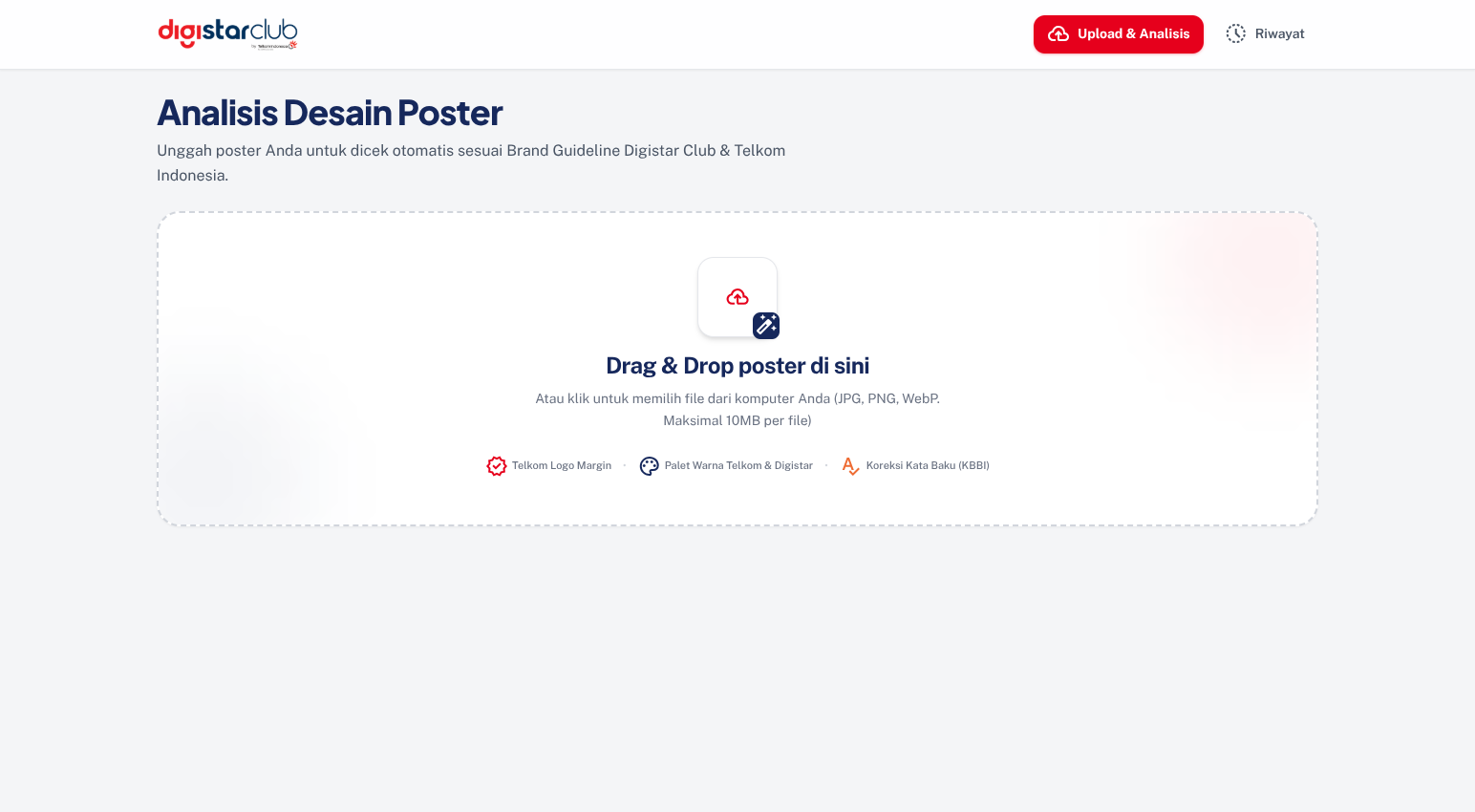
01 / TENTANG PROYEKOVERVIEW
Memeriksa banyak poster berarti mengulang pengecekan warna, ejaan, dan posisi elemen. Detail kecil mudah terlewat.Reviewing many posters means repeating checks on colors, spelling, and element placement. Small details are easy to miss.
Temuan otomatis dirangkum per poster. Desainer mendapat arahan yang bisa ditindaklanjuti; reviewer tetap memegang keputusan akhir.Automatic findings are summarized per poster. Designers get actionable direction; reviewers retain the final decision.
Warna, ejaan, dan tata letak ditinjau dalam satu alur.Branding, spelling, and layout reviewed in one workflow.
Sorotan pada poster membantu menjelaskan bagian yang perlu perhatian.Poster overlays help explain what needs attention.
Nama reviewer, catatan, dan riwayat tetap terhubung dengan poster.Reviewer names, notes, and history stay linked to each poster.
02 / FITUR UTAMACORE FEATURES
Satu ruang kerja untuk memeriksa dan menindaklanjuti hasil.One workspace to inspect findings and act on them.
Periksa kesesuaian palet, susunan logo, dan ruang aman di sekitar elemen.Inspect palette alignment, logo arrangement, and space around elements.
Temukan kata yang perlu diperiksa dan lihat saran ejaan dari hasil OCR.Find words that need attention and inspect spelling suggestions from OCR.
Tinjau judul, margin, figur, dan QR melalui sorotan langsung pada poster.Inspect headlines, margins, people, and QR codes through poster overlays.
Pahami kepadatan, kontras, dan estimasi visual sebagai bahan pertimbangan.Understand density, contrast, and visual estimates to inform your review.
Setujui atau minta revisi, lengkap dengan nama reviewer dan catatan.Approve or request changes with a reviewer name and actionable notes.
Buka kembali batch dan telusuri keputusan tanpa mengulang unggahan.Reopen a batch and trace decisions without uploading again.
03 / CARA PAKAIWORKFLOW
Unggah hingga 20 JPG, PNG, atau WebP. Periksa pilihan sebelum mulai.Upload up to 20 JPG, PNG, or WebP files. Check your selection before starting.
Lihat area yang perlu perhatian, lalu buka detail analisis yang relevan.See what needs attention, then open the relevant analysis details.
Simpan persetujuan atau catatan revisi agar tindak lanjutnya jelas.Save an approval or revision notes so the next action is clear.
Analisis dan estimasi membantu peninjauan. Persetujuan publikasi tetap keputusan reviewer.Analysis and estimates support the review. Publication approval remains a reviewer decision.
04 / KONTRIBUTORCONTRIBUTORS

Menyelaraskan kebutuhan pengguna, prioritas fitur, dan kolaborasi tim.Aligns user needs, feature priorities, and team collaboration.
DARI MENGENAL, JADI MENCOBAFROM EXPLORING TO TRYING
JPG, PNG, atau WebP · hingga 20 gambar · 10 MB per gambarJPG, PNG, or WebP · up to 20 images · 10 MB each
SEBELUM MENGUNGGAHBEFORE YOU UPLOAD
JPG, PNG, dan WebP, maksimal 20 gambar per batch dan 10 MB per gambar. Periksa pratinjau dan hapus berkas yang tidak diperlukan sebelum memulai analisis.JPG, PNG, and WebP, up to 20 images per batch and 10 MB per image. Check the previews and remove unwanted files before starting the analysis.
Belum. Temuan otomatis membantu pemeriksaan. Persetujuan atau permintaan revisi dicatat terpisah oleh reviewer, lengkap dengan nama dan catatannya.No. Automated findings support the review. Approval or revision requests are recorded separately by a reviewer, with their name and notes.
Buka Riwayat dan pilih batch yang ingin ditinjau. Kamu bisa membaca hasil analisis dan keputusan yang sudah tersimpan tanpa mengunggah ulang.Open History and choose the batch you want to review. Read saved analysis and decisions without uploading the posters again.
GAGASAN BERIKUTNYA, DARI KAMUTHE NEXT IDEA STARTS WITH YOU
Tidak harus sempurna. Ceritakan masalah yang ingin kamu selesaikan, kita mulai dari sana.It doesn’t need to be perfect. Tell us what you want to solve. We’ll start there.
Bawa idemu ke siniBring us your idea